Restaurant Staff Scheduling Solutions: End the Nightly Nightmare and Cut Labor Costs
70 % of restaurants waste up to $5 k per month on over‑staffing, while 45 % struggle to cover peak hours. Those numbers are more than just statistics—they’re a wake‑up call for every restaurant manager juggling labor budgets, employee satisfaction, and compliance. If your schedule feels like a guessing game, you’re not alone. In this guide we’ll explore the real‑world staff scheduling challenges, show how the right restaurant scheduling software turns chaos into order, and share proven tactics for creating a flexible, employee‑friendly roster that keeps your kitchen humming and your profit margin growing.
Common Scheduling Pain Points for Restaurants
Why Overstaffing and Understaffing Still Happen
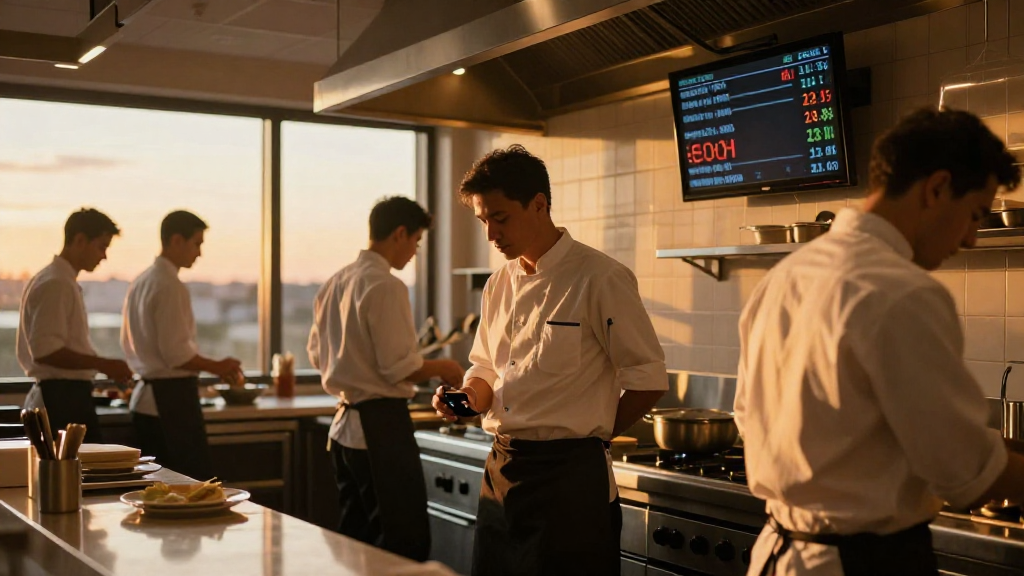
Most managers rely on spreadsheets or manual paper sheets, which are error‑prone and hard to update on the fly. When an unexpected rush hits or a crew member calls in sick, the ripple effect can leave you short on front‑of‑house staff or, worse, over‑staffed during slow periods.
The Cost of Manual Schedules
- Time‑consuming – Hours spent drafting, printing, and distributing schedules.
- Inaccurate labor totals – Mistakes in hours booked versus hours worked can inflate payroll costs by 10‑15 %.
- Limited visibility – No real‑time dashboard to see who’s on shift or who’s requested time off.
Employee Burnout and Turnover
When staff are scheduled for conflicting shifts or left in the dark about changes, morale dips. High turnover not only costs recruitment and training dollars but also erodes the consistency of service that loyal diners expect.
Pro Tip: Conduct a quarterly “Schedule Satisfaction” survey; a 5‑point rating scale can quickly surface pain points before they snowball.

How Technology Can Ease Staffing Chaos
Real‑Time Scheduling Updates: A Game Changer
Modern restaurant scheduling software offers instant push notifications to staff via SMS or a mobile app whenever a shift is added, removed, or swapped. This eliminates the “last‑minute scramble” that often forces managers to call in replacements or pay overtime.
Key Features to Look For
- Auto‑Swap Functionality – Employees request shift swaps, automatically checked for compliance and availability.
- Real‑Time Availability Tracking – Shows who is signed in, on break, or offline.
- Shift Bidding – Staff can bid on preferred shifts, boosting engagement and reducing unfilled slots.
Seamless Payroll Integration
The best restaurant staff scheduling solutions sync directly with payroll systems (e.g., ADP, Paychex, QuickBooks). This integration eliminates double‑entry errors, ensures accurate overtime calculations, and speeds up the pay cycle.
Example: A mid‑size Italian bistro reduced payroll processing time by 12 % after switching from manual spreadsheets to software that auto‑exports hourly data to their payroll provider. The savings translated into faster paychecks and a three‑month boost in staff retention.
Labor Compliance Made Simple
Labor laws—minimum wage, overtime, break requirements—vary by state and change frequently. Restaurant staff scheduling solutions include an up‑to‑date compliance engine that flags potential violations before they occur.
- Automatic overtime calculations based on local regulations.
- Break enforcement to ensure staff receive mandated rest periods.
- Audit trails for each schedule change, simplifying regulatory reviews.
Key Takeaway: Automating compliance checks helps you avoid costly fines and builds trust with employees who know their rights are protected.
Tips for Creating a Flexible Shift Schedule
Build a Core Team, Then Fill Gaps
- Core Crew: Identify a group of reliable staff who can cover most shifts.
- Fillers: Maintain a pool of part‑time or seasonal workers to step in during peak periods.
Use Predictive Analytics to Forecast Demand
Employ software that analyzes historical sales data, weather forecasts, and local events to predict busy times. Adjust staffing levels accordingly, reducing both overstaffing and understaffing.
Communicate Early and Often
Publish the schedule at least 48 hours before the first shift. Use a central communication channel (e.g., Slack, Teams, or the app’s built‑in chat) to post updates, so everyone stays informed.
Leverage Cross‑Training
Train staff in multiple roles—front‑of‑house, back‑of‑house, and bar—to increase flexibility. A well‑trained team can fill gaps without compromising service quality.
Mini Case Study
A downtown tapas bar implemented cross‑training and saw a 22 % reduction in last‑minute shift changes. Employees who could move between grill and service desks filled in for each other, keeping service smooth and morale high.
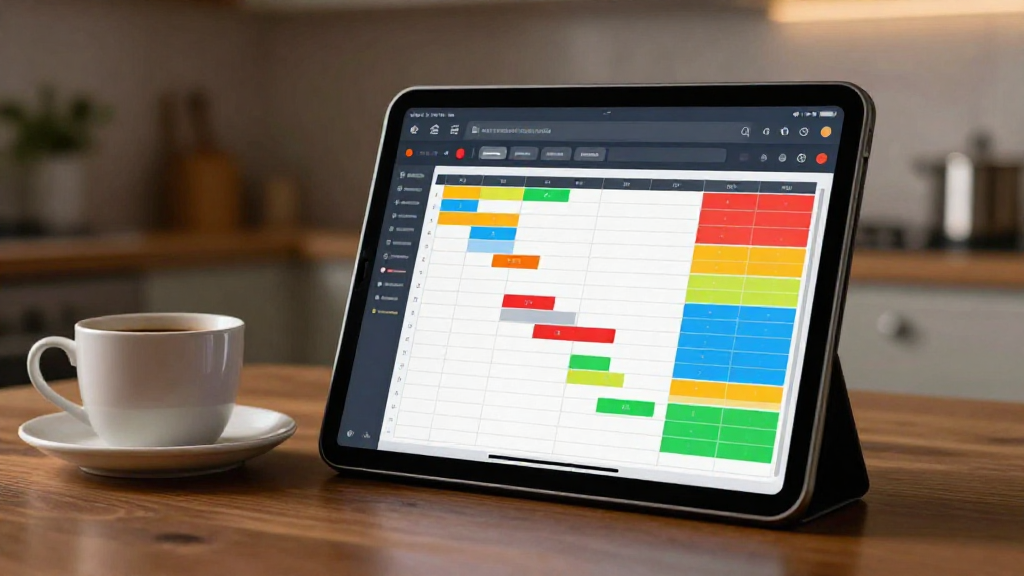
Pro Tip: Create a “Skill Matrix” chart in your scheduling software to quickly visualize who can cover which roles, making shift assignments faster and more accurate.
Conclusion
Restaurant staff scheduling solutions aren’t just a luxury—they’re a strategic necessity in today’s competitive hospitality landscape. By embracing real‑time updates, payroll integration, and compliance safeguards, you can slash labor costs, boost employee satisfaction, and keep your service flowing smoothly.
Ready to transform your scheduling process?
Download our Staff Scheduling Guide and start building the roster that works for you and your team—today.
The future of restaurant management is automated, compliant, and people‑centric. Let’s get your crew on the right schedule, every time.
Leave a Reply